
Agent skill
design-mobile-apps
Quellcode ansehen: designed-by-ai/skills
Installation
npx skills add designed-by-ai/skills --skill design-mobile-apps861.9K
Installationen
EU-hosted inference API
Power your AI agent skills with open-source models.
Drop-in OpenAI-compatible API. No data leaves Europe.

MiniMax
MiniMax M3
$0.50 / $1.90
per M tokens

Z.ai
GLM 5.3 Flash
$0.20 / $0.60
per M tokens

MoonshotAI
Kimi K3
$4.00 / $18.00
per M tokens

DeepSeek
DeepSeek V4.1 Flash
$0.40 / $1.40
per M tokens
Designing with Sleek
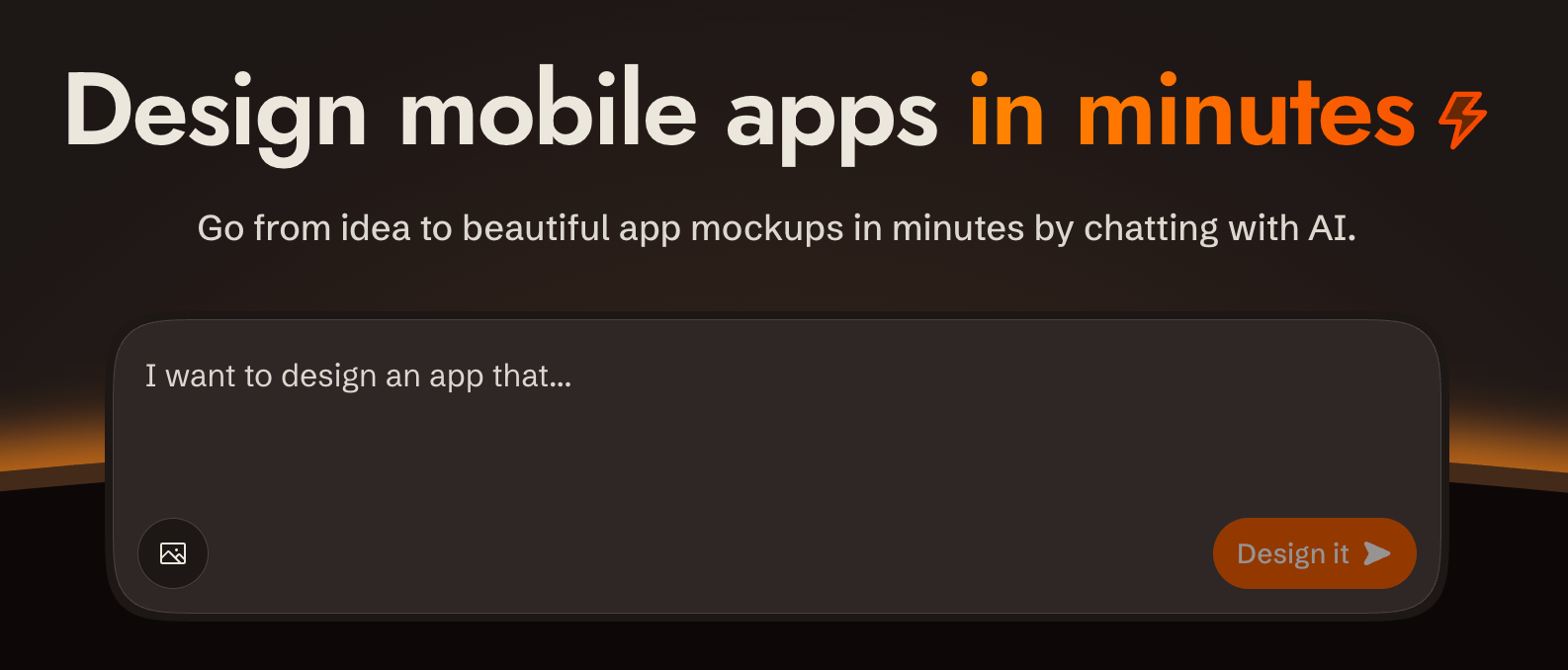
Overview
sleek.design provides a REST API at /api/v1/* to create projects, design screens from a brief, and fetch their HTML and renders.
Base URL: https://sleek.design
Auth: Authorization: Bearer $SLEEK_API_KEY, except the public device start/poll endpoints
Content-Type: send application/json for JSON request bodies.
CORS: Enabled on all /api/v1/* endpoints
Envelope: check HTTP status first. Successful JSON wraps its payload in data; lists also include sibling pagination. Errors use top-level code, status and message, with optional data.url. Successful screenshots and share cards return image bytes; 204 has no body.
Ids: opaque 11-character tokens like V1StGXR8Z5j, with no type prefix. Nothing about an id says whether it names a project, screen, component, version or theme, so track each one by the response field it arrived in.
Parsing responses: write the body to a file (curl -o run.json) and parse the file. Piping JSON through echo corrupts it: zsh expands the escaped \n inside string values into real newlines, which makes the body invalid JSON.
API docs: OpenAPI spec at https://sleek.design/api/v1/spec.json; browsable docs at https://sleek.design/api/v1/docs. Fetch the spec for any contract detail not covered here.
Designing or implementing
A single run can take both directions — "design me a fitness app and build it in Expo" is a design pass followed by an implementation pass. Gate each pointer on the artefact in front of you rather than on a one-time reading of the request:
Designing — you are about to send a chat message to Sleek. Read designing.md first; it carries the create → chat → screenshot loop, how to author a style direction, and when to seed one from a reference instead.
Implementing. Before writing code from a Sleek design, read implementing.md for version selection, native conversion, working features, and acceptance checks.
User shot and review shot
Screenshots come in two framings, and each file below asks for one by name:
- A user shot is the default render: viewport height, phone-shaped. This is the one you show the user.
- A review shot adds
fullHeight: true, one component per request. This is the one you judge your own work against.
Prerequisites: API Key
If SLEEK_API_KEY is not set, use the device flow so the user never handles the raw key:
POST https://sleek.design/api/v1/device/start(no auth) with body{"source": "your-tool-slug"}. The response contains averificationUrl, a human-checkableuserCode, a secretdeviceCode, and a pollintervalin seconds.- Show the user the
verificationUrland theuserCode, and tell them to confirm the code matches before approving. - Poll
POST https://sleek.design/api/v1/device/pollwith{"deviceCode": "..."}everyintervalseconds. Onpending, keep waiting. Onapproved, storedata.keyprivately asSLEEK_API_KEYon that first read: the key is handed over once. Onexpiredor404 NOT_FOUND, start a new flow. See Device: Poll for the response contract.
Fallback: send the user to https://sleek.design/agents/setup, which handles sign-in, plan upgrade, and key creation in one place, and ask them to paste the key back to you. Keys can also be managed at https://sleek.design/dashboard/api-keys. The full key value is shown only once at creation, and a free account holds one active key at a time.
Plans: free accounts can try the API with their one-time trial credits (about one design run), so a new user can see their first design before any payment decision. Sustained use requires the Pro plan or higher. This file carries no figures on purpose — read the current price, billing periods and credit allowance from https://sleek.design/agents.md, which is generated from Sleek's live pricing, and quote them from there. When cost becomes relevant (the user asks, an upgrade is needed to continue, or you're about to send them to a payment page), state that pricing plainly, including the yearly option, so the user sees a payment step coming before they reach it.
Quick Reference: All Endpoints
Every endpoint the API exposes:
| Method | Path | Scope |
|---|---|---|
GET |
/api/v1/projects |
projects:read |
POST |
/api/v1/projects |
projects:write |
GET |
/api/v1/projects/:id |
projects:read |
DELETE |
/api/v1/projects/:id |
projects:write |
GET |
/api/v1/projects/:id/components |
components:read |
GET |
/api/v1/projects/:id/components/:componentId |
components:read |
GET |
/api/v1/references |
any valid key |
POST |
/api/v1/projects/:id/chat/messages |
chats:write |
GET |
/api/v1/projects/:id/chat/runs/:runId |
chats:read |
POST |
/api/v1/projects/:id/chat/runs/:runId/cancel |
chats:write |
POST |
/api/v1/screenshots |
screenshots |
POST |
/api/v1/share-cards |
screenshots |
POST |
/api/v1/device/start |
public, no auth |
POST |
/api/v1/device/poll |
public, no auth |
Create a key holding only the scopes the task uses.
Every row above is specified in full — request body, response shape, field defaults, status codes — in endpoints.md. This table is enough to pick an endpoint; read the reference when you need a contract detail it doesn't carry.
Error Shapes
{
  "defined": true,
  "code": "FORBIDDEN",
  "status": 403,
  "message": "...",
  "data": { "url": "https://sleek.design/..." }
}| HTTP | Code | When |
|---|---|---|
| 401 | UNAUTHORIZED |
Missing/invalid/expired API key |
| 403 | FORBIDDEN |
Valid key, wrong scope or plan |
| 404 | NOT_FOUND |
Resource doesn't exist |
| 400 | BAD_REQUEST |
Validation failure |
| 409 | CONFLICT |
Another run is active for this project |
| 429 | TOO_MANY_REQUESTS |
Render cap: 1000 screenshots + share cards per hour per org, counted on API-key requests only |
| 500 | INTERNAL_SERVER_ERROR |
Server error |
401, 403 and 429 bodies may include data.url: a page where the user can fix the condition (create a key, upgrade the plan). Share it as-is.
Chat run-level errors (inside data.error):
| Code | Meaning |
|---|---|
out_of_credits |
Organization has no credits left |
execution_failed |
AI execution error |
cancelled |
Run cancelled via the cancel endpoint |
request_message_persist_failed |
The run failed before reaching the AI; the message was never stored |
For out_of_credits, relay error.url and wait for the user to resolve it. Follow Safe retries for replay versus a new attempt after either recoverable failure.
So verwenden Sie diesen Skill
- 1
Install design-mobile-apps by running
npx skills add designed-by-ai/skills --skill design-mobile-appsin your project directory. Führen Sie den obigen Installationsbefehl in Ihrem Projektverzeichnis aus. Die Skill-Datei wird von GitHub heruntergeladen und in Ihrem Projekt platziert. - 2
Keine Konfiguration erforderlich. Ihr KI-Agent (Claude Code, Cursor, Windsurf usw.) erkennt installierte Skills automatisch und nutzt sie als Kontext bei der Code-Generierung.
- 3
Der Skill verbessert das Verständnis Ihres Agenten für design-mobile-apps, und hilft ihm, etablierte Muster zu befolgen, häufige Fehler zu vermeiden und produktionsreifen Code zu erzeugen.
Was Sie erhalten
Skills sind Klartext-Anweisungsdateien — kein ausführbarer Code. Sie kodieren Expertenwissen über Frameworks, Sprachen oder Tools, das Ihr KI-Agent liest, um seine Ausgabe zu verbessern. Das bedeutet null Laufzeit-Overhead, keine Abhängigkeitskonflikte und volle Transparenz: Sie können jede Anweisung vor der Installation lesen und prüfen.
Kompatibilität
Dieser Skill funktioniert mit jedem KI-Coding-Agenten, der das skills.sh-Format unterstützt, einschließlich Claude Code (Anthropic), Cursor, Windsurf, Cline, Aider und anderen Tools, die projektbezogene Kontextdateien lesen. Skills sind auf Transportebene framework-agnostisch — der Inhalt bestimmt, für welche Sprache oder welches Framework er gilt.
Data sourced from the skills.sh registry and GitHub. Install counts and security audits are updated regularly.