
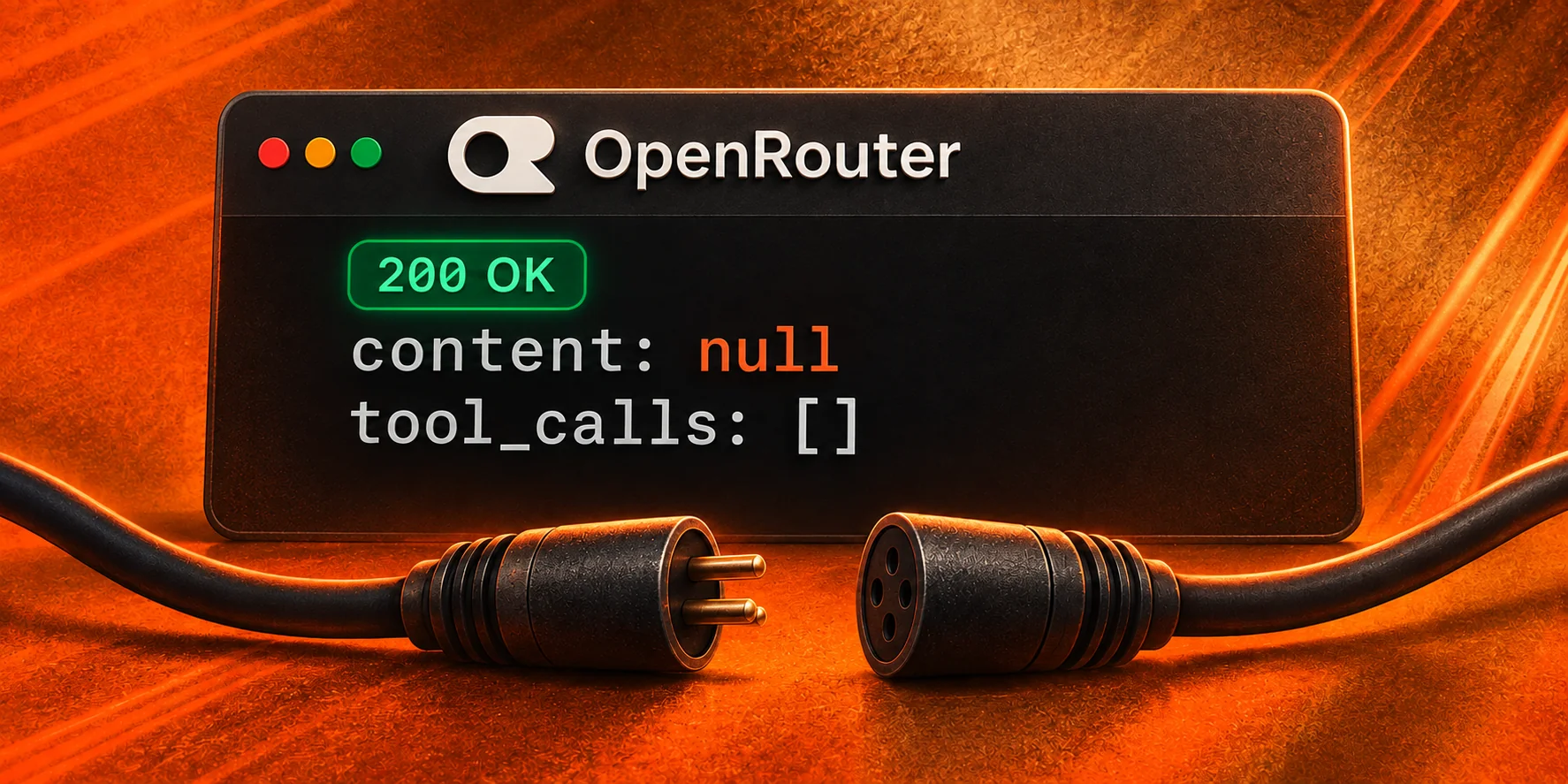
Avoid making OpenRouter your production default if your team cannot maintain the compatibility tests and recovery behavior your application needs. One API can simplify integration, but you still need to prove that a request produces a usable result across a complete workflow.
Mo Moustafa’s September 7, 2026 account of running Olly on OpenRouter describes inconsistent model behavior, broken tool calls, and empty responses. Those are his observations from specific tests and production traffic, not measurements we reproduced. They are a useful starting point for deciding what to test before depending on the service.
The case for avoiding OpenRouter is strongest when you need predictable agent behavior and have little time to investigate compatibility failures.
The same model name can behave differently
Moustafa reports differences in benchmark performance between hosts serving the same model, plus image tasks that some endpoints handled incorrectly. His examples show why a model’s advertised capabilities deserve testing at the API you will actually use.
OpenRouter’s provider selection documentation describes how requests can reach different hosts of a model. Its general default prioritizes price while considering availability; tool requests also receive the optimization discussed below. A model selection alone does not establish that your application will get equivalent results every time.
Build a small evaluation set from the work your users do. For invoice extraction, check exact amounts and missing fields. For image input, use fixtures with known text and colors, then documents representative of real uploads. Score incorrect answers separately from failed requests. A fluent answer can still fail the task.
Keep the expected results under version control and rerun the set when you change models or request settings. Choose pass criteria before looking at the results.
Tool calling needs a complete conversation test
An agent integration has to carry a task through several exchanges. The model requests a tool, your application executes it, and the next request supplies the result so the model can continue.
Moustafa describes tool-call markup appearing as ordinary response text and conversation histories accepted by one endpoint but rejected by another. Both can interrupt that loop even when the initial request appears to work.
Use the documented tool-calling flow as the starting contract. Test a harmless lookup with a known result. Require a declared tool name, valid JSON arguments, and a matching tool-call identifier when returning the result. Then verify that the final answer uses the returned value.
Repeat the conversation with streaming enabled. Reconstruct fragmented arguments before validating them, and test a tool error as well as a successful result. OpenRouter’s reasoning documentation also requires preserving the original sequence when returning reasoning_details blocks. Keep that history intact in your integration.
If a required tool call arrives as markup in prose, reject it. Do not turn arbitrary response text into executable actions to make a failing test pass.
A 200 response can still leave your app without an answer
OpenRouter’s error documentation explicitly explains that HTTP 200 OK can arrive before generation succeeds. A later failure can appear inside a JSON response or as an error event in a stream while the HTTP status remains unchanged.
Your client therefore needs to inspect the response body and stream events. Check for explicit errors, completion status, and the output your application requires. For a text-or-tool workflow, an empty answer with no valid tool call should fail the application check. A response containing a valid tool call and no visible text can be a normal intermediate step.
Record whether the task completed, whether output was partial, and whether recovery succeeded. This gives you a more useful reliability measure than counting successful HTTP statuses.
Bound retries by attempts and time. If a tool has already changed something, such as creating a ticket, establish whether that action completed before repeating it. Retrying the whole conversation blindly can duplicate work.
OpenRouter’s controls help, but need testing
OpenRouter offers controls worth evaluating before deciding to leave. Its parameter requirements let you set require_parameters: true to exclude endpoints that do not support your requested parameters. Without that requirement, unsupported parameters can be ignored. This filter establishes declared support; your tests still need to establish behavior.
You can order providers, restrict requests to an allowlist, or disable fallbacks outside an ordered list. Restrictions reduce your recovery options when an eligible endpoint becomes unavailable. Test the failure behavior of the configuration you intend to deploy.
Auto Exacto automatically optimizes provider ordering for tool requests using throughput, tool-call validity, and benchmark signals. Its tool-call error metric checks returned calls for issues such as invalid JSON or a schema mismatch. Your own evaluation must also check whether a valid call was the right action and whether the whole task finished correctly.
There is also zero completion insurance. The documented conditions cover zero completion tokens with a blank or null finish reason, or an error finish reason. Qualifying requests incur no model token charge, while auxiliary services that already ran may still cost money. An answer you find unhelpful does not automatically qualify. Billing protection helps with cost; you still need to recover the unfinished task.
When to avoid OpenRouter, and what to test instead
Avoid adopting OpenRouter for a production workload when you cannot demonstrate that its required features work together, or when maintaining those checks costs more than the integration convenience saves.
It can still be useful for experimentation, comparing models, and teams prepared to maintain their integration. The decision should follow your workload tests. Apply the same standard to a direct model API or another service; switching vendors does not establish reliability.
Before committing, check:
- Whether representative tasks meet your quality threshold, including plausible but incorrect answers.
- Whether tool calls finish correctly after results and errors, with streaming on and off.
- Whether interrupted or empty responses produce a clear failure and bounded recovery.
- Whether latency and rate-limit behavior meet your needs from the environment where your application runs.
- What completed tasks cost, including billed retries, tool fees, and time spent investigating failures.
For an alternative to evaluate, review LLMBase’s public inference offering and current prices. The OpenAI-compatible integration guide explains the client setup. Run the same acceptance tests before moving a production workload.